
Step 4: Apply the Instant Rebate as a Payment Method
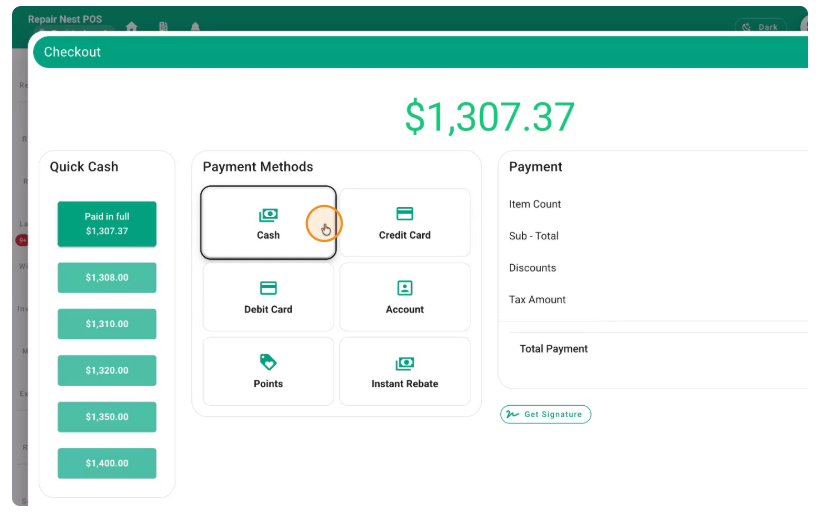
When you are on the checkout/payment screen, decide how much of the total will be covered by the instant rebate and how much will be paid by the customer.
Click to proceed with payment.
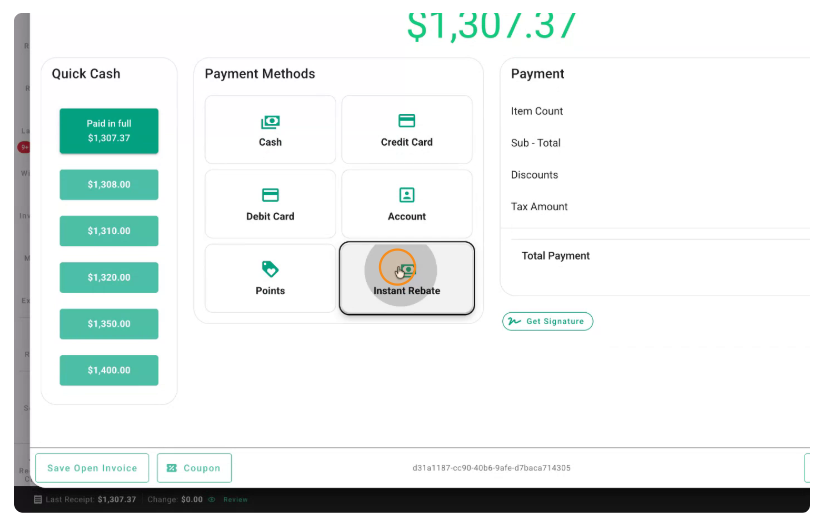
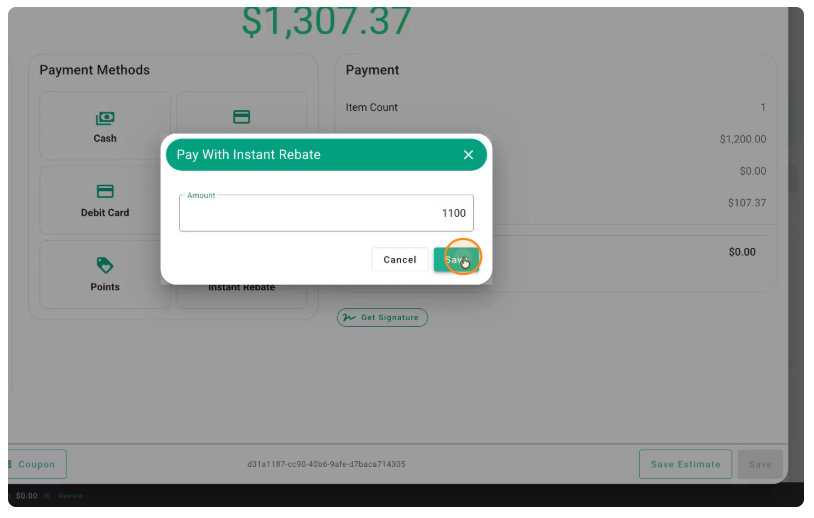
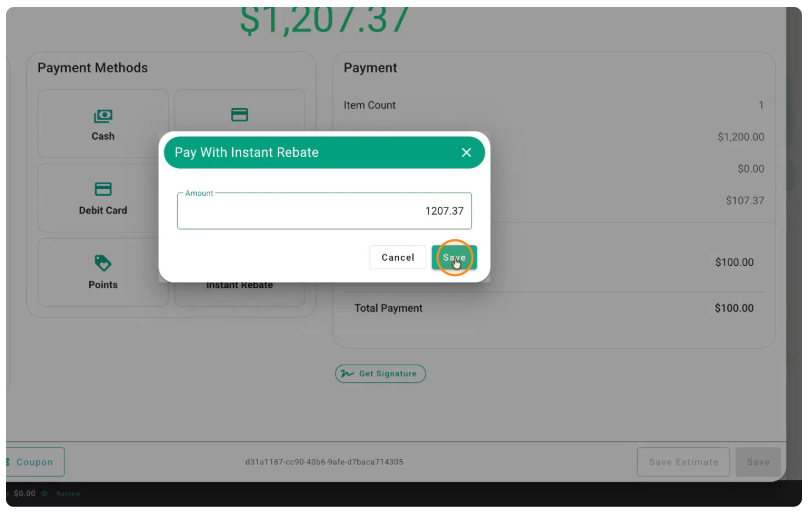
Enter the Instant Rebate amount you will receive from the master dealer.
For example, if you receive $1,100 as an instant rebate, enter $1,100 as payment under the Instant Rebate method.
Click Save to apply this payment.
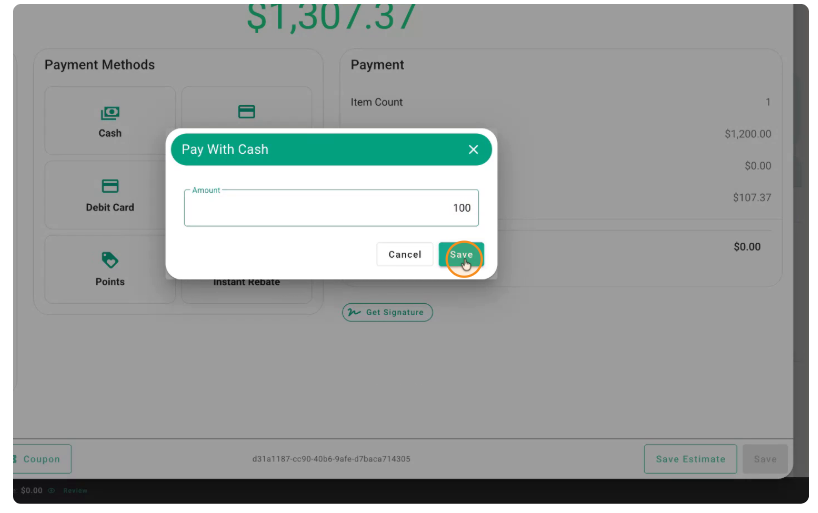
The remaining balance will be paid by the customer (e.g., $100 by cash/card).
Alternatively, if you prefer to take the tax impact on yourself, you can set it so that the customer pays only $100 total, and the rest of the amount (including the tax portion you choose) is covered by the Instant Rebate payment method.
In that case, you can specify that $100 will be paid by the customer, and the rest of the balance will be assigned to Instant Rebate.
Enter the remaining amount as Instant Rebate.
For example, if the remaining amount comes to $1,207, that full amount is assigned to the Instant Rebate payment method.
Confirm the total Instant Rebate amount (e.g., $1,207) and complete the payment.
Save the transaction to finalize the sale.
No comments to display
No comments to display