
Understand the Customer Profile
The customer profile brings together the customer's details, activity, loyalty information, and transaction history.
Open a customer profile
- Go to Review > Customers.
- Find the customer.
- Select the three-dot menu.
- Select Open.
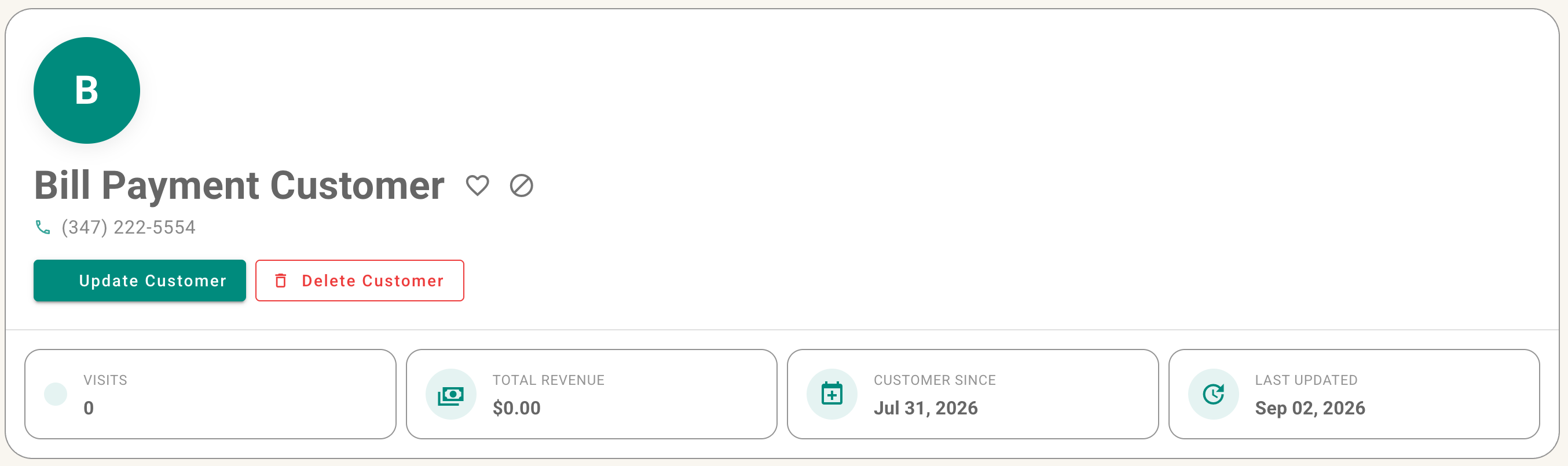
Customer actions menu with Open highlighted, followed by the customer profile overview.
What you can review
Depending on your permissions and enabled features, the profile may show:
- Customer contact details and addresses
- Total visits and spending
- The date the customer was created and last modified
- Account balance and statements
- Loyalty status and points balance
- Receipts and other customer activity
- Favorite/VIP or blacklist status
Loyalty controls
Note: Detailed loyalty setup, point rules, synchronization, and point locking will be covered in the Loyalty book.
No comments to display
No comments to display