
Manage Customer Addresses
A customer profile can store multiple addresses, such as a home, work, store, billing, or delivery address.
Add an address while creating a customer
- Open the Add Customer dialog.
- Select More Options.
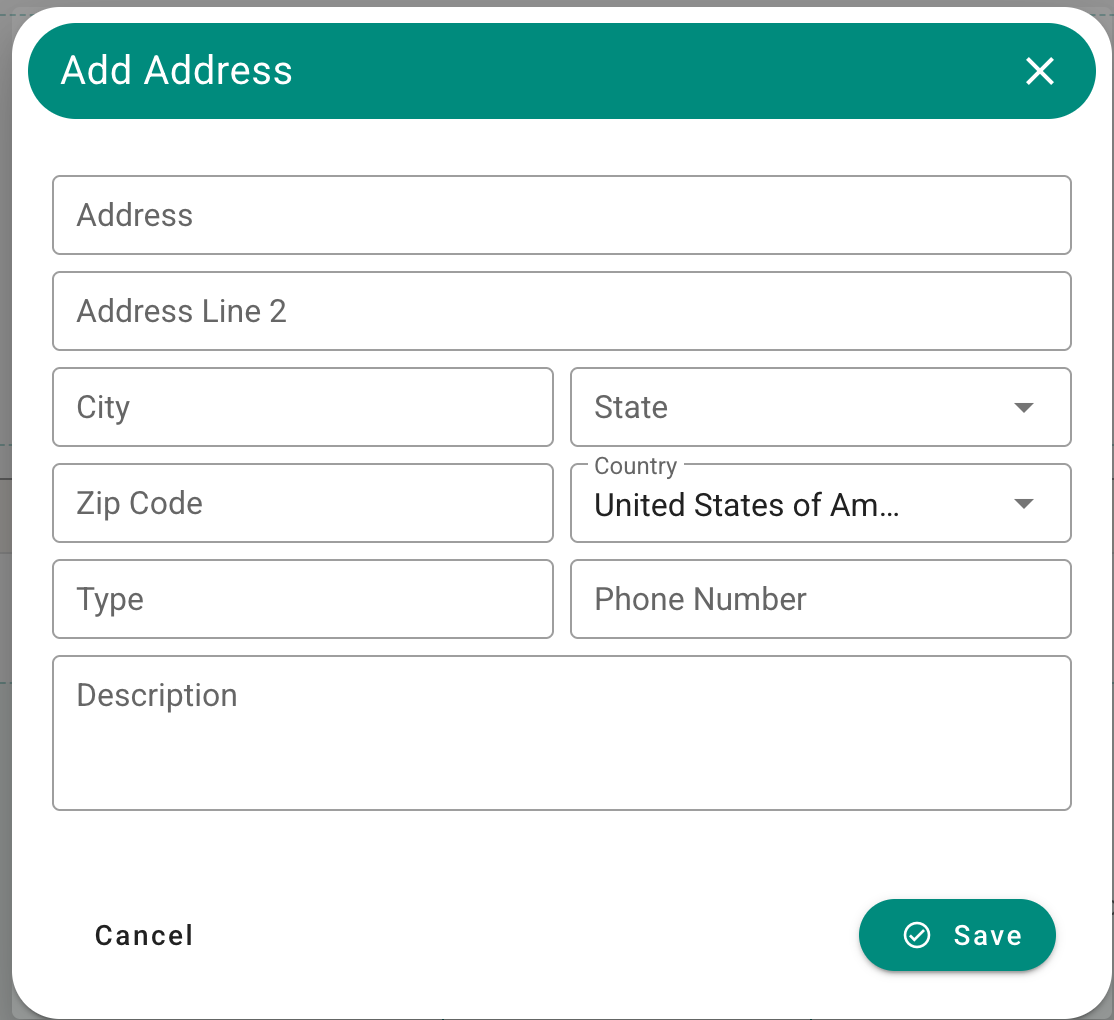
- Enter the available address information.
- Complete the required customer fields and select Save.
You do not need to add an address to create a customer. If no address is needed, leave More Options closed.
More Options area with customer address fields.
Maintain multiple addresses
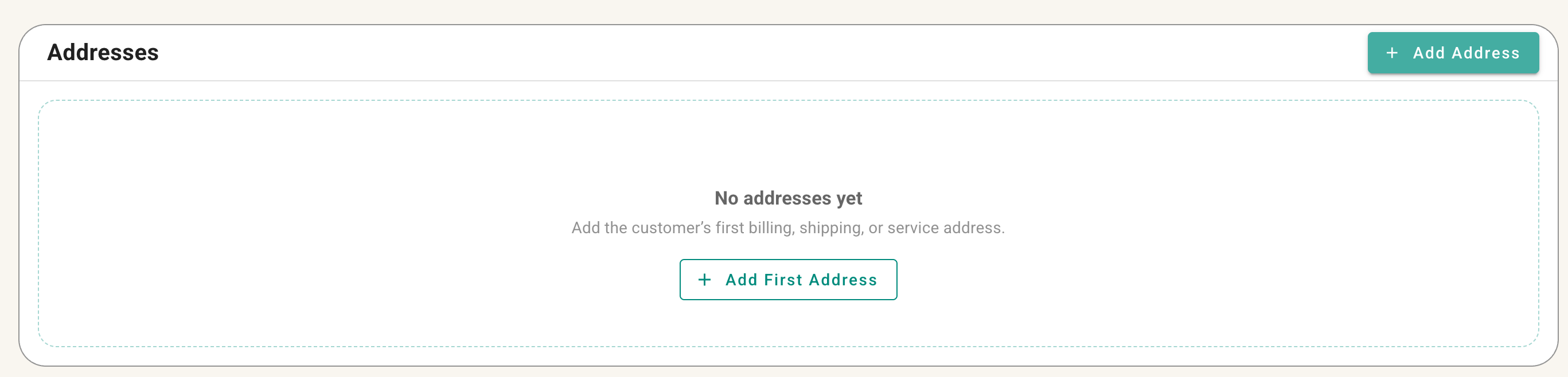
Open the customer profile to review and maintain saved addresses. Add separate addresses when a customer needs more than one address on file, and update outdated information as needed.
Address section of the customer profile showing multiple saved addresses.
No comments to display
No comments to display