How to Put an Invoice on Hold

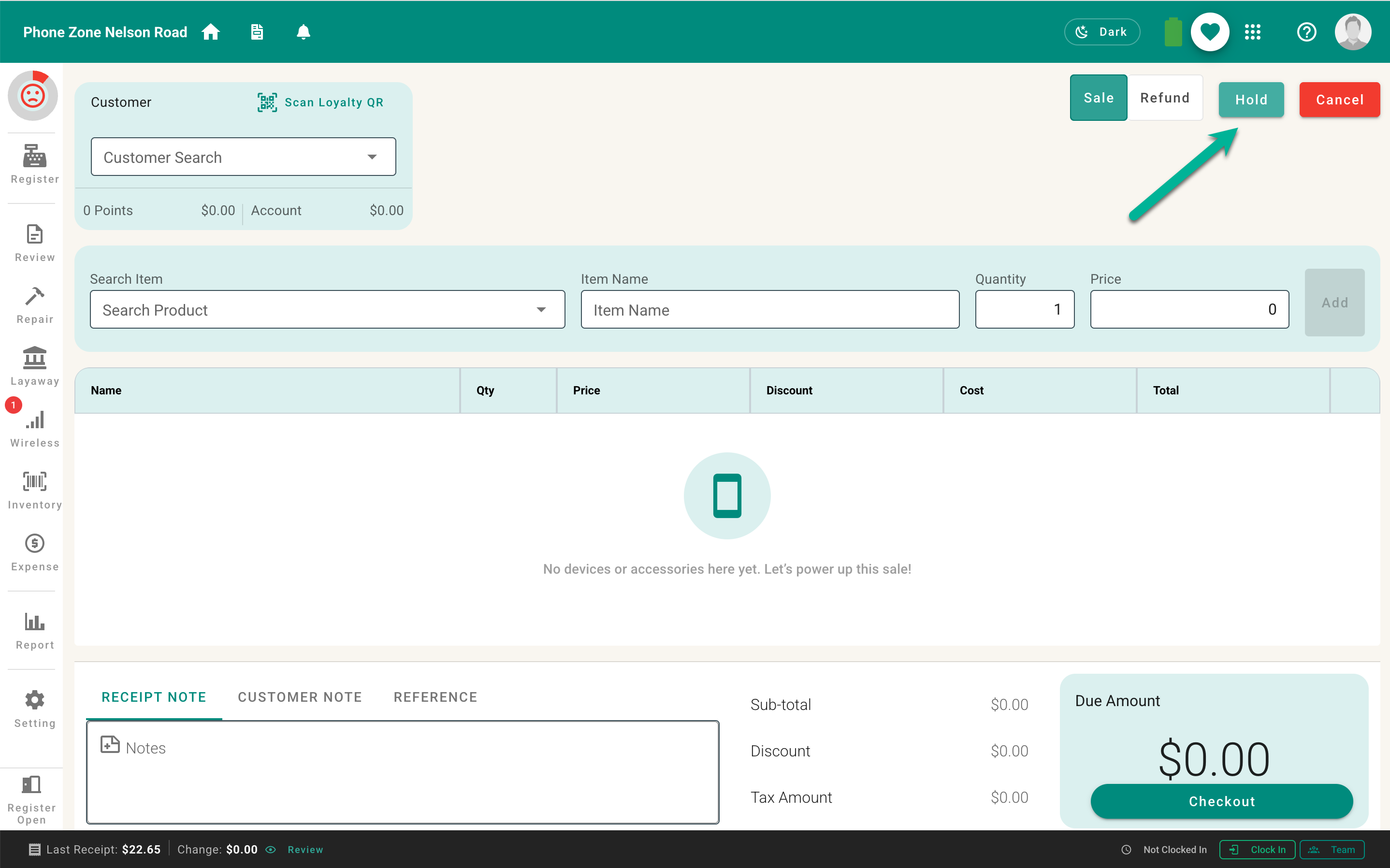
  1. Add at least one item to the cart.
  2. Select Hold beside the Cancel action.
Screenshot 2026-09-12 at 11.37.26 PM.png

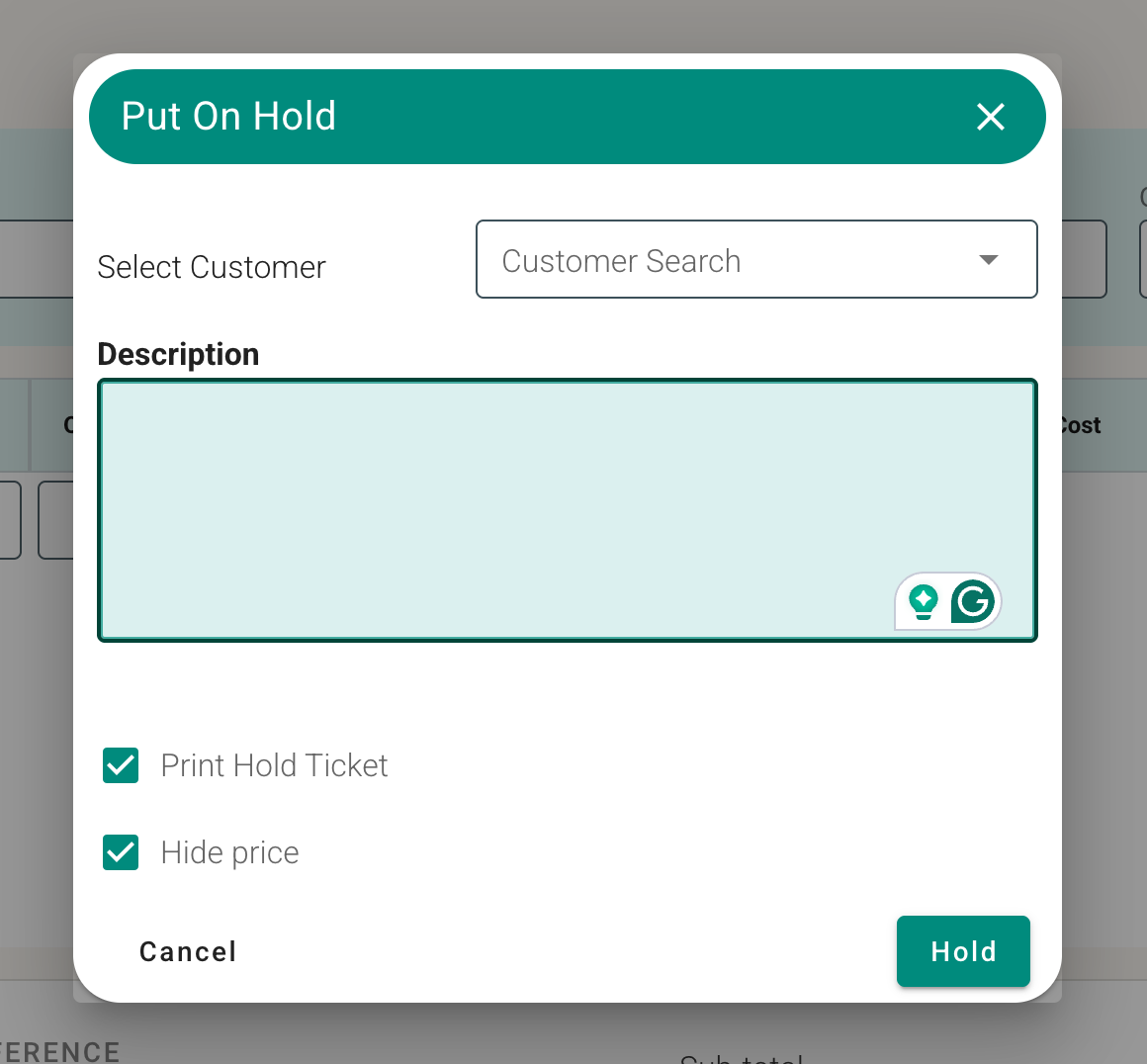
    Select or confirm the customercustomer, if helpful. Enter a useful description so staff can identify the cart. Choose whether to print a hold ticket. Choose whether prices should be hidden on the ticket. Select Hold to save the cart.

    Screenshot 2026-09-12 at 11.39.35 PM.png

    The register is now ready for the next customer. Use a name, order detail, or other non-sensitive description that makes the held cart easy to recognize.