
How to Delete a Held Invoice Safely
Delete a held cart only when the customer has abandoned it or the hold was created by mistake.
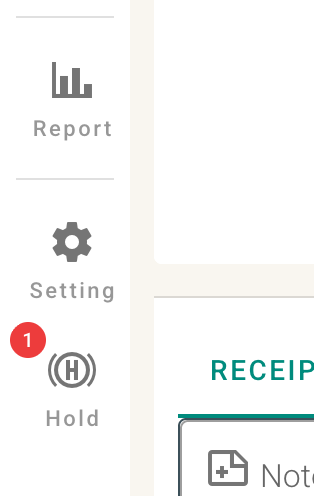
- Open the Held Invoices page.
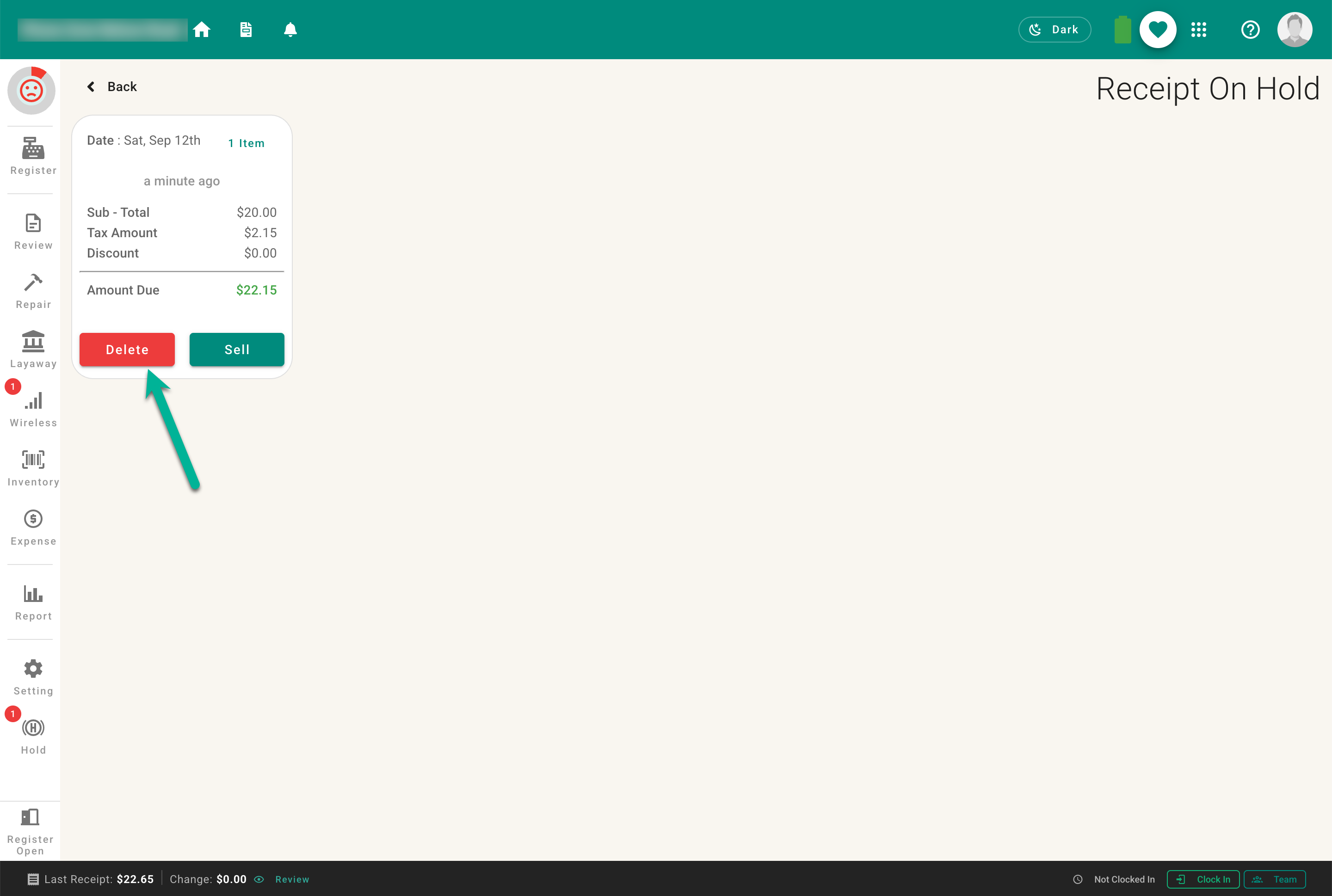
- Read the warning and confirm only if the cart is no longer needed.
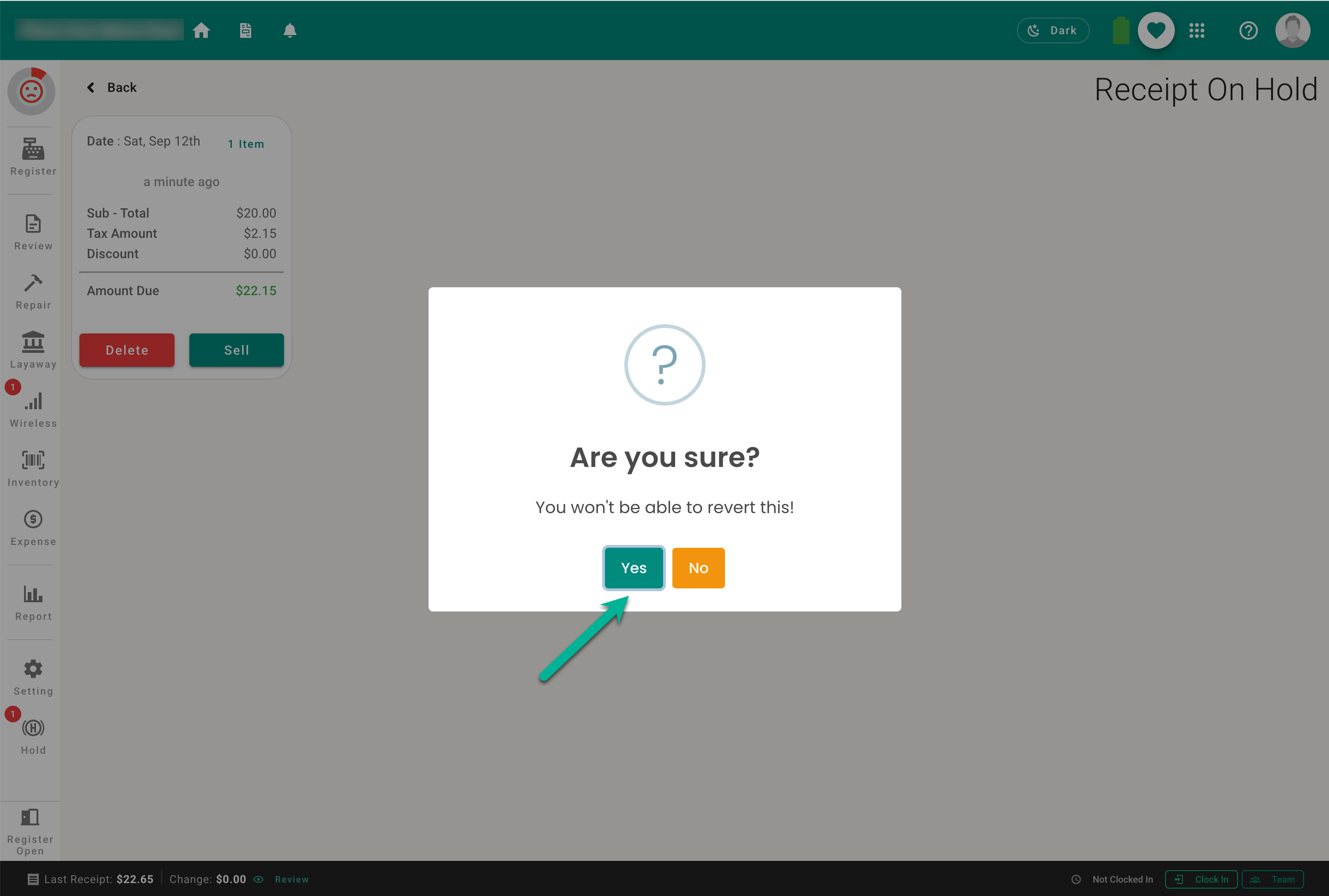
Deleting a hold cannot be treated like completing or cancelling a financial receipt—the sale was never completed. The held work is removed, so verify the correct cart before confirming.