
Edit a Customer
Update a customer record when their contact information or other saved details change.
Edit a customer
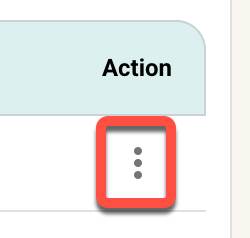
Three-dot customer actions menu with Edit highlighted.
Required fields
First name and phone number must remain filled in. Last name is required only when that organization setting is enabled. Other details, such as email, address, language, tags, internal description, and referral source, can be updated when applicable.