
Create a Customer
Create a customer record to keep contact details, addresses, loyalty activity, and purchase history together.
Open the customer list

Screenshot placeholder:Open Review > Customers and theselect Customers.
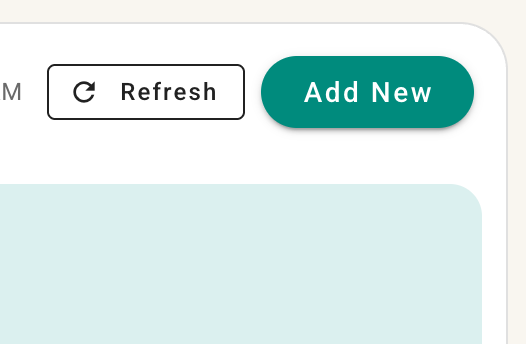
Select Add New button.from the customer list.
Enter the required information
- First name is always required.
- Phone number is always required.
- Last name is optional unless your organization has enabled the setting that makes it required.
- Email is optional.
You may also add an internal description and record how the customer heard about your business. Depending on your settings, the referral-source field may be required.
Add more details
Select More Options to enter an address, preferred language, additional contact information, and customer tags.
Screenshot placeholder: Add Customer dialog with required fields and More Options expanded.
If you do not need the optional details, leave More Options closed and continue.
Save the customer
- Review the information.
- Select Save.
The customer will be added to the customer list and can be selected in supported sales and service workflows.
Tip: A separate settings article will explain how to require customer last names and referral sources. Link that article here once it is available.